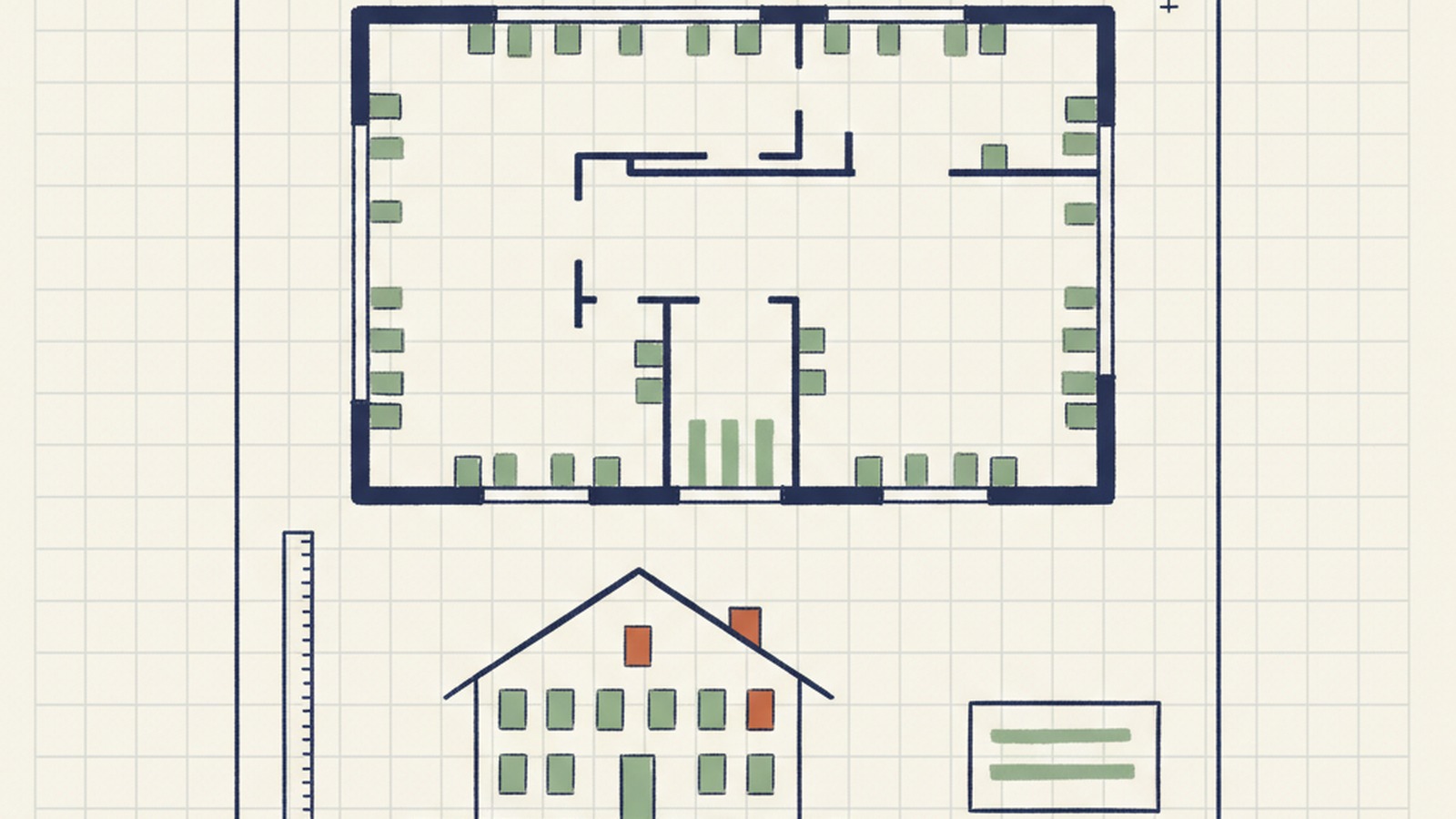
A window-and-door takeoff pipeline for a Quebec fenestration installer
Architect's PDF in, priced takeoff out. The hard part was building a visual recognition pipeline that produces the same answer for the same drawing, every time — because a takeoff with forty-seven windows must be exactly forty-seven windows, not forty-six or forty-eight.
What this could do for your organization
If your business responds to quote requests from drawings — a fenestration supplier quoting on architect's plans, a millwork vendor reading floor plans, a flooring or HVAC or roofing company estimating from sets, a precast plant sizing from engineering drawings — you know where the hours go. An estimator spends an hour, sometimes more, per prospect. Most of those prospects go elsewhere. The time you spent on the ones that didn't convert is gone.
This is the shape of what I do: I build a pipeline that reads the drawing and produces the takeoff — same input, same output, every time. For the fenestration case I'm building right now, an architect's PDF becomes a six-sheet Excel workbook (windows, entry doors, patio doors, garage doors, fire-separation doors, summary), in your industry vocabulary, in minutes rather than hours. Every item on the sheet is backed by a click-to-zoom link to the exact location on the exact drawing page, so your estimator doesn't start from a blank spreadsheet — they start from a checked sheet they can accept, adjust, or reject line by line.
The practical effect: the estimator's hour per prospect becomes a review pass they can do over coffee. Your team responds to more RFQs in the same time, and because every takeoff is schema-locked — every number backed by a rule, every item traceable to a location on the drawing — you catch the mistakes before the quote goes out, not after the project starts.
What your team gets back
A walkthrough on your actual drawings comes first — so you see what the pipeline does with your real inputs, not a synthetic demo. If the shape fits, you get a custom takeoff pipeline tuned to your industry's drawings, your item taxonomy (for fenestration: four categories of opening; for millwork: cabinets and countertops; for flooring: rooms and surface types), and your output format — Excel workbook, database import, ERP integration, whatever your estimating team already uses.
Your estimators work the two-panel review interface: drawing on the left, extracted items on the right, click any row to zoom to the exact location on the exact page. Edit fields, pick from dropdowns, export the corrected workbook. The pipeline is the draft; your estimator is still the one who signs off — but they're signing off on a checked sheet, not transcribing from scratch.
Before any cloud AI touches a client's drawing, the PII in the title block (names, addresses, cadastral lots, phone, postal code) gets scrubbed by the same anonymizer that runs on the other side of this site. Law 25 handled at the front door, not bolted on at the end.
How I did it
When someone builds a new house in Quebec, they hire an architect and get back a set of plans. The plans then land on the desk of a vendor that specializes in exterior windows and doors — one of several vendors the customer is shopping for a quote. The vendor's estimator reads the plans by hand, counts every exterior opening (windows, patio doors, entry doors, garage doors, fire doors), matches each one to a product from a manufacturer partner, and sends the quote back. An hour or two of spreadsheet work for every prospect, most of whom will go elsewhere. I'm building my client a tool that does the takeoff in a few minutes — same input, same output, every time. Getting to "every time" is the part that took real engineering.
The first version used a pure large-language-model vision pipeline. Same drawing, three runs, three different counts — because LLMs are non-deterministic by design. A takeoff is not an essay: forty-seven windows must be forty-seven windows every run. So I pivoted to a pipeline that does the vision work with a trained object detector and uses LLMs only for classification and text extraction — with structured output schemas and temperature locked to zero.
The object detector is a YOLO model I train on synthetic architect plans. Labelled real data at the scale YOLO needs doesn't exist in this industry, so I built a generator that derives synthetic drawings from five real architects' plans, in the five CAD styles residential architects actually use. A semi-automated loop wires the generator to Google Colab, trains a new model, and hands back an ONNX file ready to deploy on the VPS.
Before any of this runs, the PDF passes through my anonymizer — the same one on the other side of this site, tuned for architectural drawings. Client name, address, cadastral lot, phone, postal code — all scrubbed from the title block before a single image goes to a cloud model. Law 25 handled at the front door, not bolted on at the end.
Anonymizer
Stage one of the pipeline works the way a human estimator would: the YOLO detector walks every floor plan sheet looking for four categories of opening — exterior windows, patio doors, entry doors, and garage doors. It knows to ignore interior doors, closet doors, and other distractions a human would also skip. What comes out is a clean inventory: count, category, floor, location.
Stage two switches to the elevation sheets and pulls the per-unit details. For windows: pane configuration, grill pattern, glass type, hinge direction. For doors: swing direction, transom, sidelites, glazing, style. Two parallel tracks, each a structured LLM call against the rendered elevation page. Deterministic because the output schema is locked — every field strict-typed, every value validated against the schema before it lands in the sheet.
Stage three is the review pass. Everything the pipeline extracted goes into a two-panel interface. The left panel is the architect's drawing. The right panel is the item list. Click on any item — the drawing zooms to its exact location on its exact page. Wrong dimension? Edit the field. Wrong type? Pick from the dropdown. Hit export and a corrected XLSX drops out.
The deliverable is a six-sheet Excel workbook — windows, entry doors, patio doors, garage doors, fire-separation doors, and a summary — in Quebec French industry vocabulary, plus an annotated PDF showing which opening on which sheet matches which row. The estimator doesn't start from a blank spreadsheet anymore. He starts from a checked sheet.
| # | Tag | Dimensions (mm) | Config. carreaux | Vitrage | Pièce · étage |
|---|---|---|---|---|---|
| 2 | F01 | 1220 × 1500 | O · grill 3h | Double low-e | Salon · RdC |
| 3 | F02 | 1220 × 1500 | O · grill 3h | Double low-e | Cuisine · RdC |
| 4 | F03 ▲ | 2440 × 1800 | F·O·F | Triple low-e | Salle à manger · RdC |
| 5 | F04 | 915 × 1500 | Fixe | Double low-e | Ch. principale · 1er |
| 6 | F05 | 915 × 1500 | Fixe | Double low-e | Ch. 2 · 1er |
| 7 | F06 | 610 × 915 | Fixe | Double low-e | S. de bain · 1er |
Building this has given me deep expertise in visual recognition for technical drawings — how to wire up a semi-autonomous training loop, how to make a probabilistic pipeline produce deterministic output, how to combine object detection with LLM-based classification so each does the part it's actually good at. That expertise transfers directly to any engagement where you need structured data out of drawings, schematics, or scanned forms.
If you have drawings, schematics, or forms that need to become structured, deterministic, reviewable data — drop me a line.
Related projects
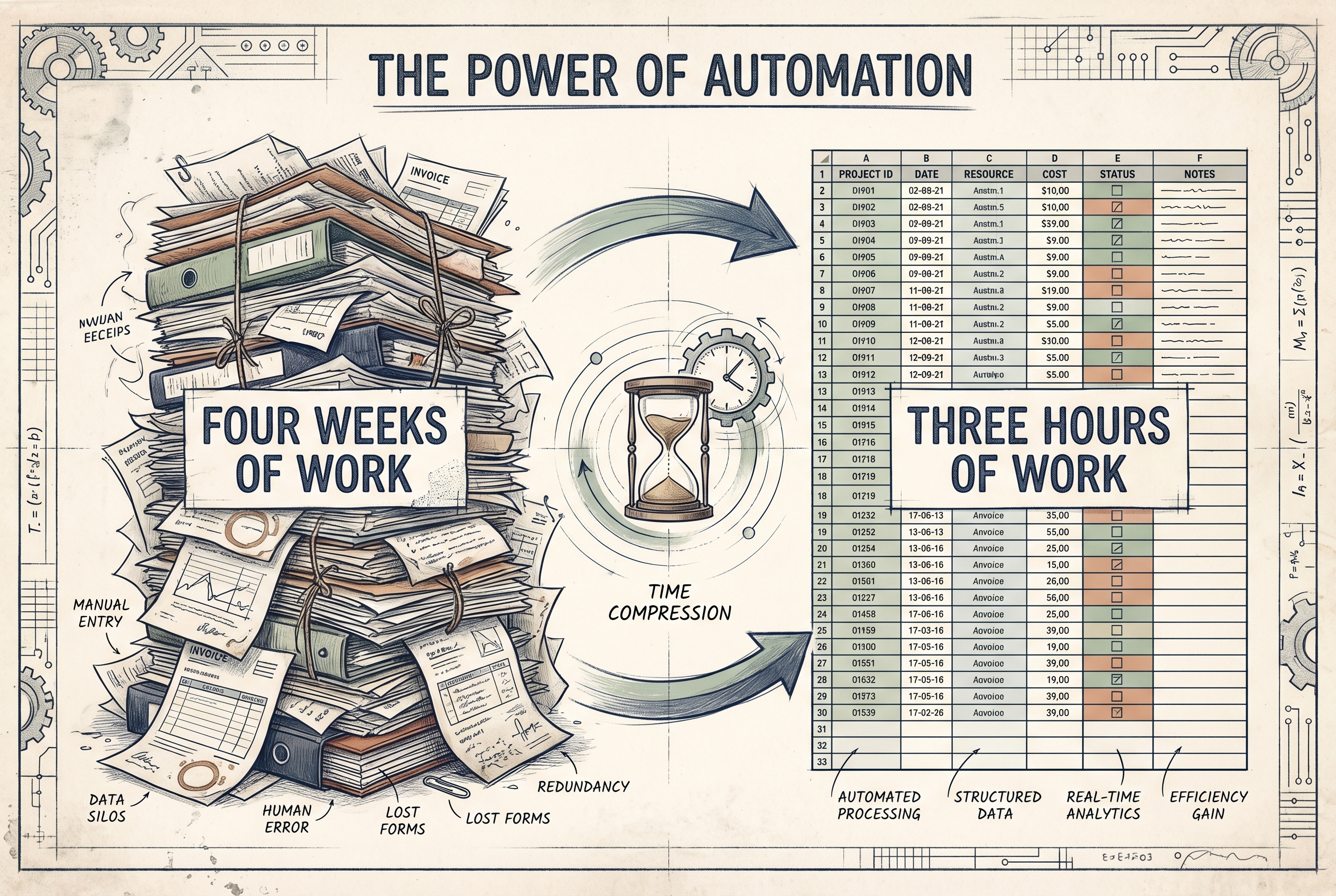
A month of work, three hours of work
Same "real job done for a real business" pattern, different kind of messy input.
Read the story →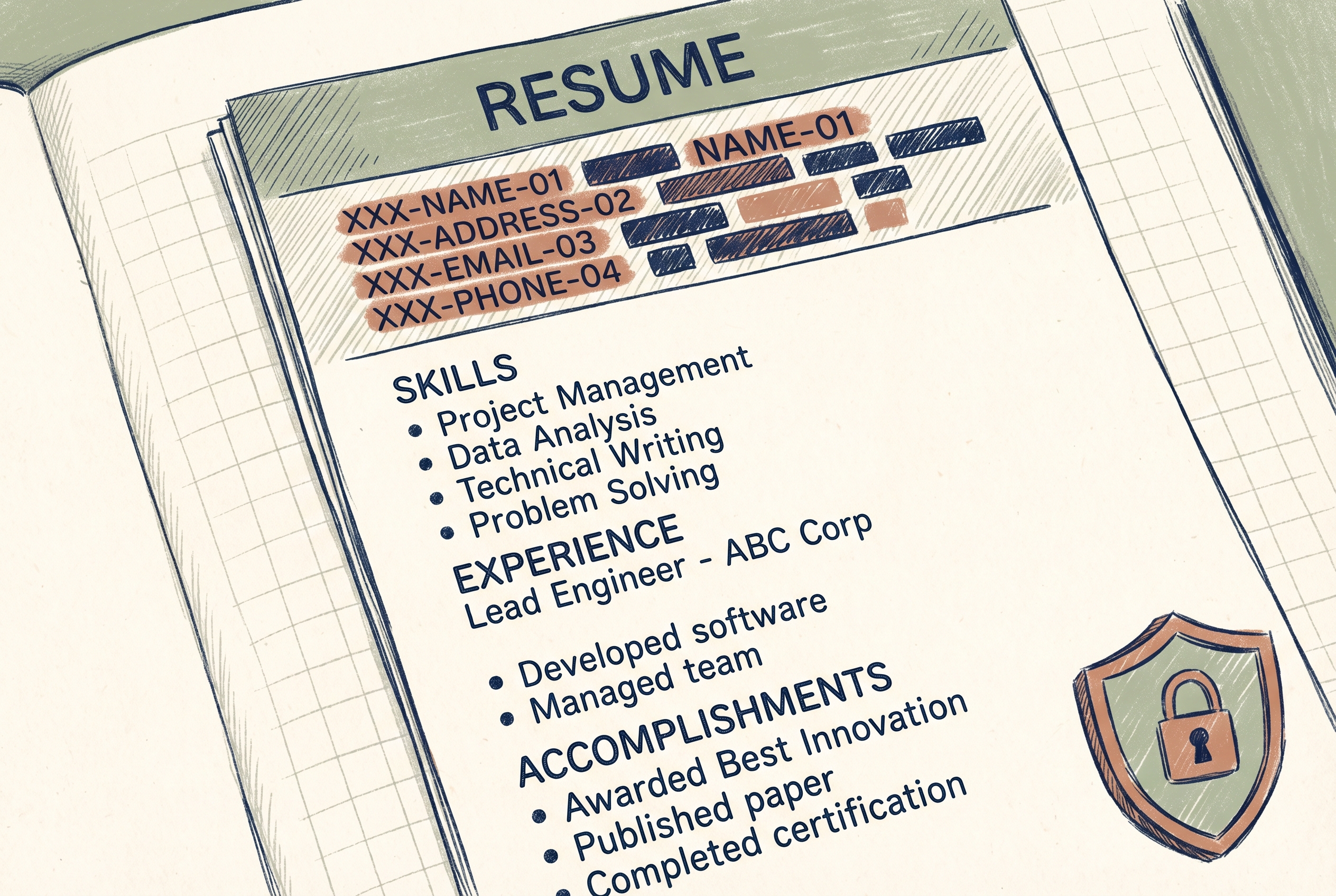
A CV anonymizer that strips identity before any AI reads it
The same Law 25 boundary that scrubs these architect PDFs before the pipeline sees them.
Read the story →
How I work
I work with my AI and the person who owns the business process — understand the context, select and adapt one of my existing protocols, deliver the results.
Read the page →