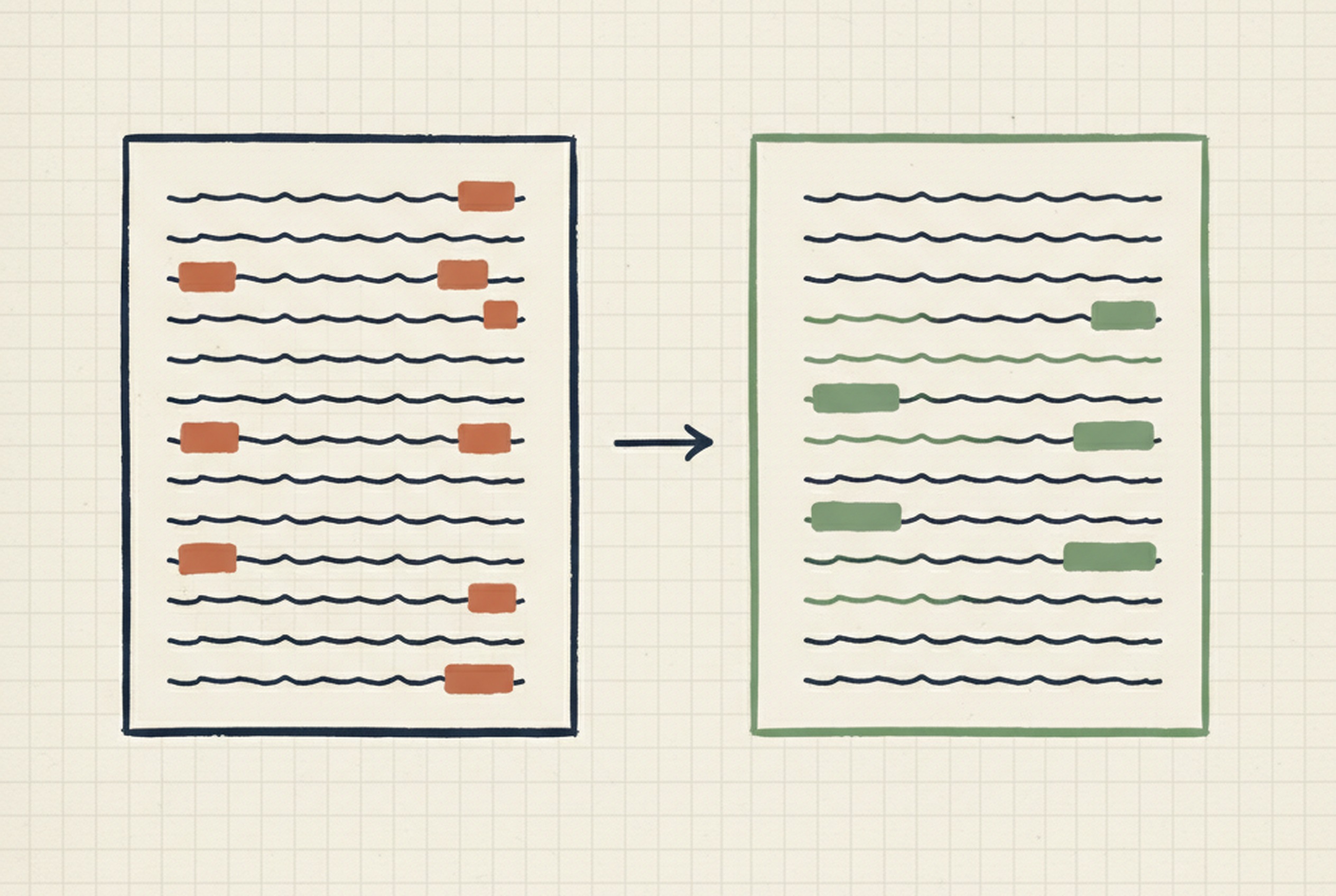
An anonymizer app that runs on your laptop
A 60-minute interview transcript takes a research assistant 2 to 4 hours to anonymize by hand. This tool does it in about 5 seconds — and the same edge AI scrubs any document with PII your team can't send to the cloud.
What this could do for your organization
If your team handles documents that contain personally identifiable information — and those documents can't be sent to a cloud AI for whatever reason (ethics boards, corporate NDAs, client privilege, procurement confidentiality, participant promises, competitive sensitivity) — anonymizing them by hand is the tax your team pays between collecting the data and using it. Research transcripts, legal files, bid responses and tender documents, clinical notes, client correspondence, internal review drafts — the pain looks the same across domains. A trained staff member spends hours per document, across dozens of documents, and either the project timeline extends or the work gets cut.
This is the shape of what I do: a small AI tuned specifically to find personally identifiable information in the kind of documents you work with — not a general-purpose cloud model, an edge recognizer that ships inside a desktop app and runs offline on your team member's laptop. No cloud round-trip. No external API. Nothing leaves the machine. Sarah Thompson becomes Participant-07 in every document she appears in — or Contractor-B, or Client-03, whatever pseudonym scheme fits your domain — with a rehydration index kept locally so you can verify against the original when a journal, a reviewer, a client, or an auditor asks.
The practical effect: the multi-day anonymization task becomes a coffee break, and the compliance story your ethics board, privacy officer, or legal team needs — data never left the machine, pseudonyms consistent across the batch, mapping kept local — is built into the tool, not bolted on after. The same tuning pattern adapts to any new document type: different format, different identifier taxonomy, different pseudonym convention. I've built the research-transcript version; I can build your version.
What your team gets back
A walkthrough on your actual data comes first — so you see what the tool does on your own documents, not a synthetic demo. If the shape fits, you get a customized Windows desktop app your team installs on their laptops, tuned to your document format and your identifier taxonomy (participant codes, contract numbers, client identifiers, clinical ID formats, regional address patterns — whatever your domain calls for). The rehydration index lives only on the user's machine — you can verify against the original when someone asks, and destroy the mapping when you're done. Extending later to a different document type runs the same tuning protocol on the new data.
If your use case is the other way around — you want the speed of a cloud AI but you need a privacy boundary in front of it — the CV anonymizer on the other side of this site is the email-agent variant: same rulebook, same PII coverage, runs as a service on Canadian soil instead of on your laptop.
How I did it
If you interview people for a living, you know the redaction tax. A research assistant takes 2 to 4 hours to anonymize a single 60-minute transcript by hand. A qualitative study typically runs 15 to 40 of them. The cloud AI tools you'd reach for first get rejected by ethics boards and corporate NDAs the moment "the data leaves the participant's computer" comes up. So you redact by hand, or you don't run the project. I built a Windows desktop app that does the whole batch in about five seconds per transcript, on your laptop, with nothing uploaded anywhere — powered by a small AI I custom-tuned to find personally identifiable information in transcripts. No cloud round-trip, no external API call, no data leaving the machine.
Drop a folder in. Everything it needs to do its job ships inside the app.
Names, organizations, phone numbers, postcodes, national IDs — all replaced in place, with diacritics handled correctly.
…I joined Imperial College London in 2019, and Dr. Sarah Thompson was already running the qualitative side of the study. Our office was in SW7 2AZ, calls came through +44 20 7946 0958.
Sarah had a rule about warm-up questions. By the third year there were four of us — me, Sarah, a postdoc named Müller, and one rotating PhD student from Apex Analytics.
…I joined Organisation-A in 2019, and Participant-07 was already running the qualitative side of the study. Our office was in [POSTCODE], calls came through [PHONE].
Participant-07 had a rule about warm-up questions. By the third year there were four of us — me, Participant-07, a postdoc named Participant-12, and one rotating PhD student from Organisation-B.
Consistency across the whole batch is the whole point. Dr. Sarah Thompson becomes Participant-07 in every transcript she appears in.
- Never uploaded
- Never logged
- Never transmitted
- Delete it to destroy the link
Five seconds per transcript. Twenty-five transcripts is a coffee break, not a two-week task.
Filenames get anonymized too. `INTERVIEW SARAH THOMPSON.docx` doesn't sit in your output folder shouting the name you just removed from the body.
What makes the offline version work is the small AI underneath — custom-tuned for this task instead of a general-purpose cloud model. I've built a protocol for tuning edge recognizers like this one for different problem spaces: interview transcripts today, but the same approach adapts to clinical notes, legal documents, customer-service logs, support tickets — any data stream where names, locations, and identifiers need to come out before the data moves. Different domain, same tuning pattern. The anonymization rulebook — what to strip, what to keep, how to stay consistent across a batch — is shared with the CV anonymizer on the other side of this site.
If you need a custom version — a different document format, a different identifier taxonomy, a tuned recognizer for your own problem space, or a walkthrough on your own transcripts before you commit — drop me a line.
Related projects
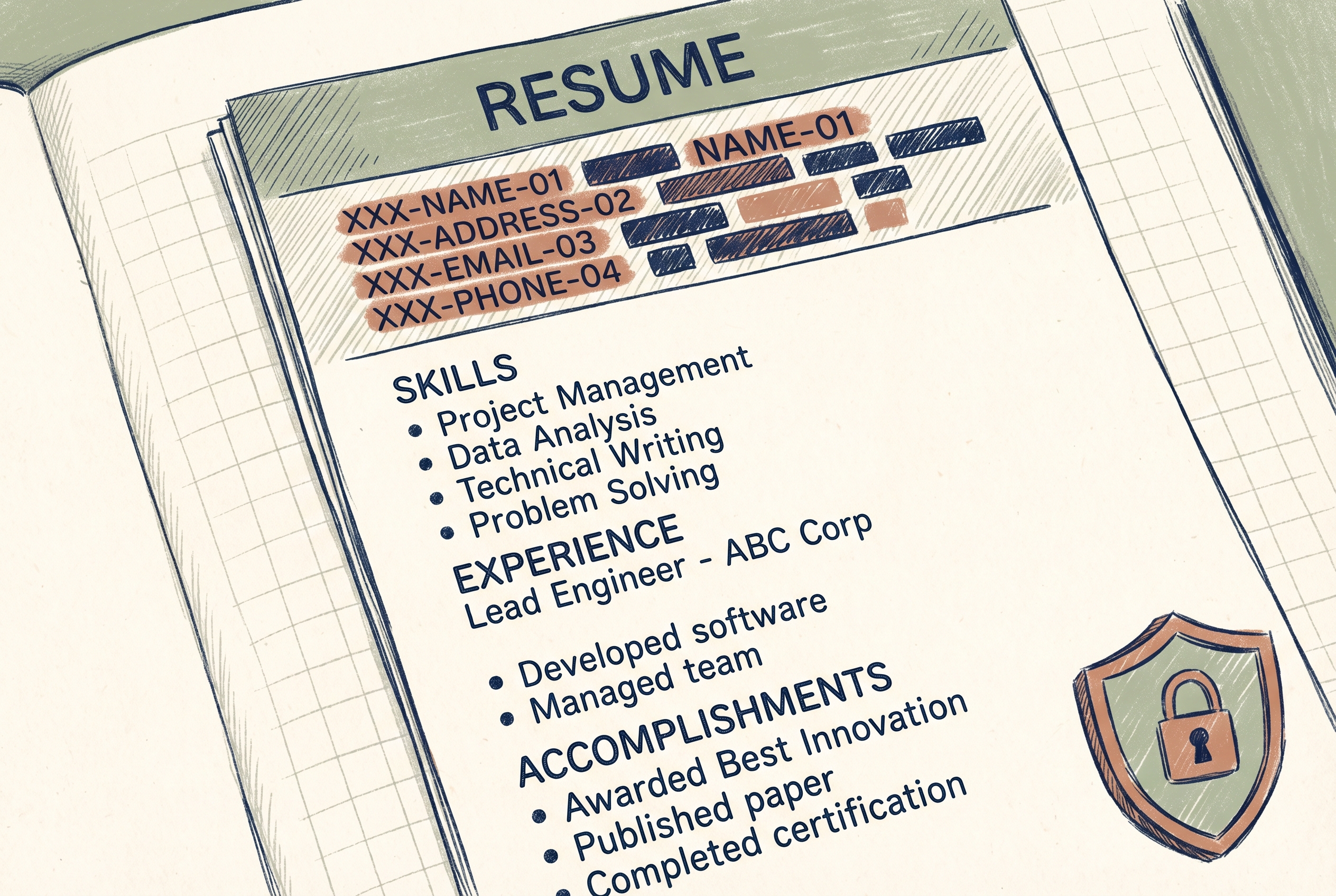
A CV anonymizer that strips identity before any AI reads it
Direct sibling. Same rulebook, different document, Montreal-server boundary.
Read the story →
Law 25 — and how I handle it
The broader Quebec privacy context for tools like this one.
Read the page →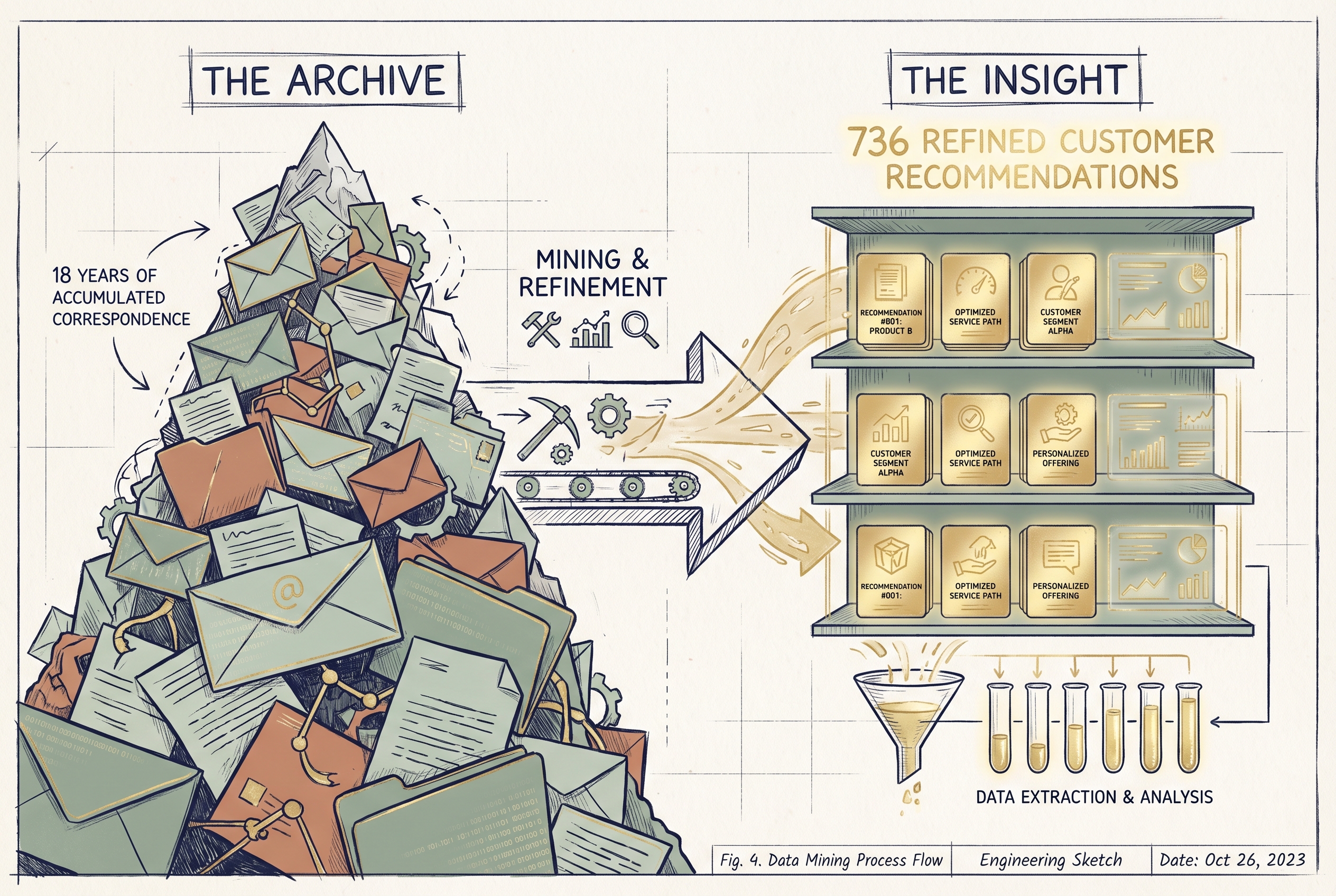
Eighteen years of email, turned into a pattern library
Another expert-knowledge-locked-in-text story.
Read the story →